
Seasonal projects are some of the most joyful to create — they feel playful, they invite experimentation, and they bring color and charm into everyday life. That’s exactly why designing small printables like gift tags is such a perfect entry point into the world of digital design. You get a fast win, something tangible, something cute, and something that instantly elevates even the simplest gifts.
So don't worry if you are a total beginner! Watch the tutorial, install Affinity Studio and then start the tutorial again to follow along step by step. Yes, it's that easy and absolutely doable!
In today’s tutorial, we dive into a creative project that is both beginner-friendly and surprisingly polished: a Halloween gift tag designed in the free version of Affinity Studio.
You’ll find the full video tutorial embedded below, but here in the blogpost you’ll also get additional tips, insights, and gentle nudges to help you take your skills one step further — even if you’re completely new to Affinity or digital design.
Why Halloween Tags Are a Great Beginner Project
Gift tags are small, manageable designs — just enough space to play with layout, text, colors, and clipart, but not so much that you get overwhelmed. They’re also a perfect fit if you want an easy printable for:
- small gifts
- classroom presents
- party favors
- Halloween-themed bake goods
- autumn goodie bags
Because all you need is a cute illustration, a bit of typography, and some simple layout steps, you’ll have a finished result in no time.
And the best part?
Affinity Studio (actually now the free version) gives you everything you need to make it look professional.
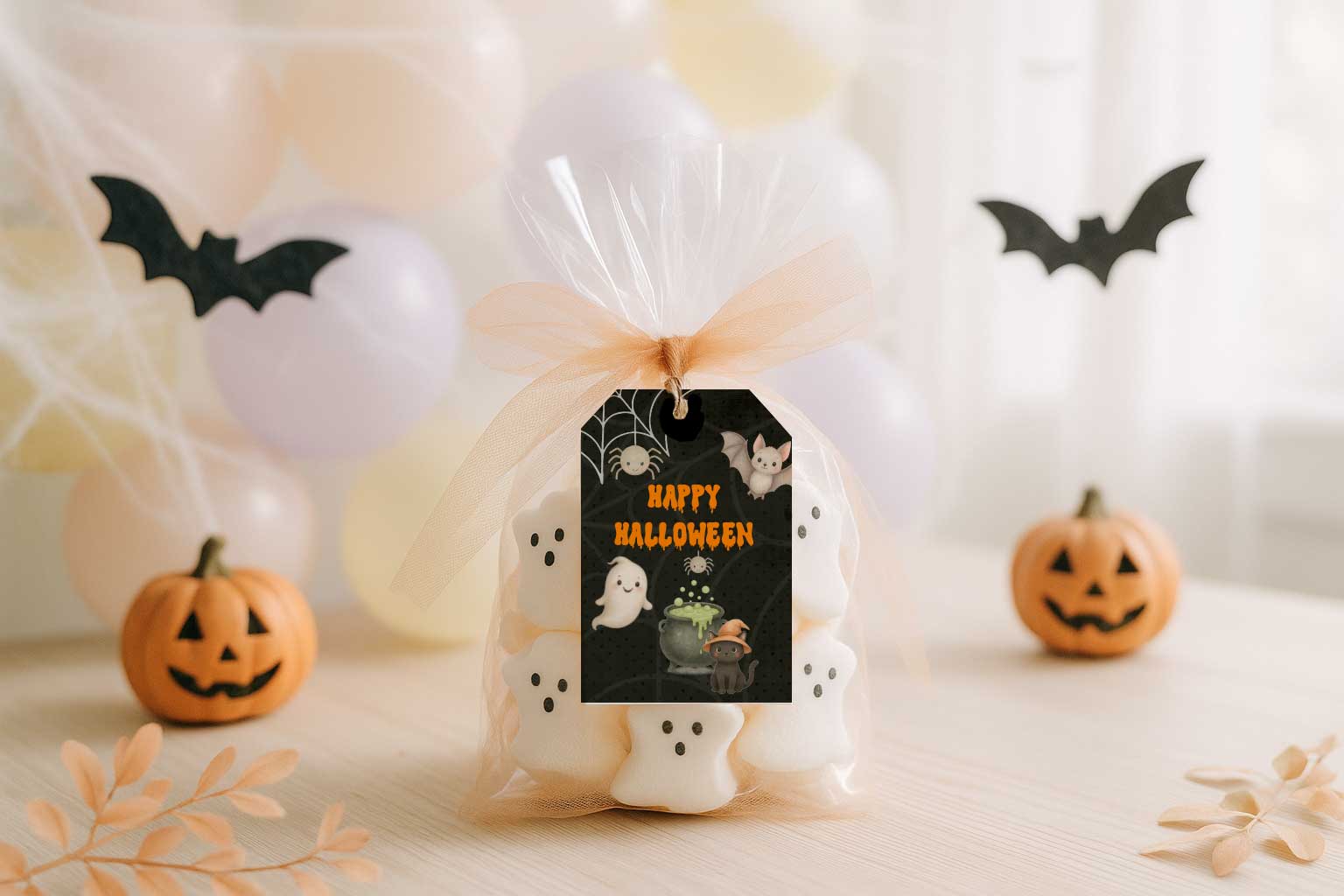
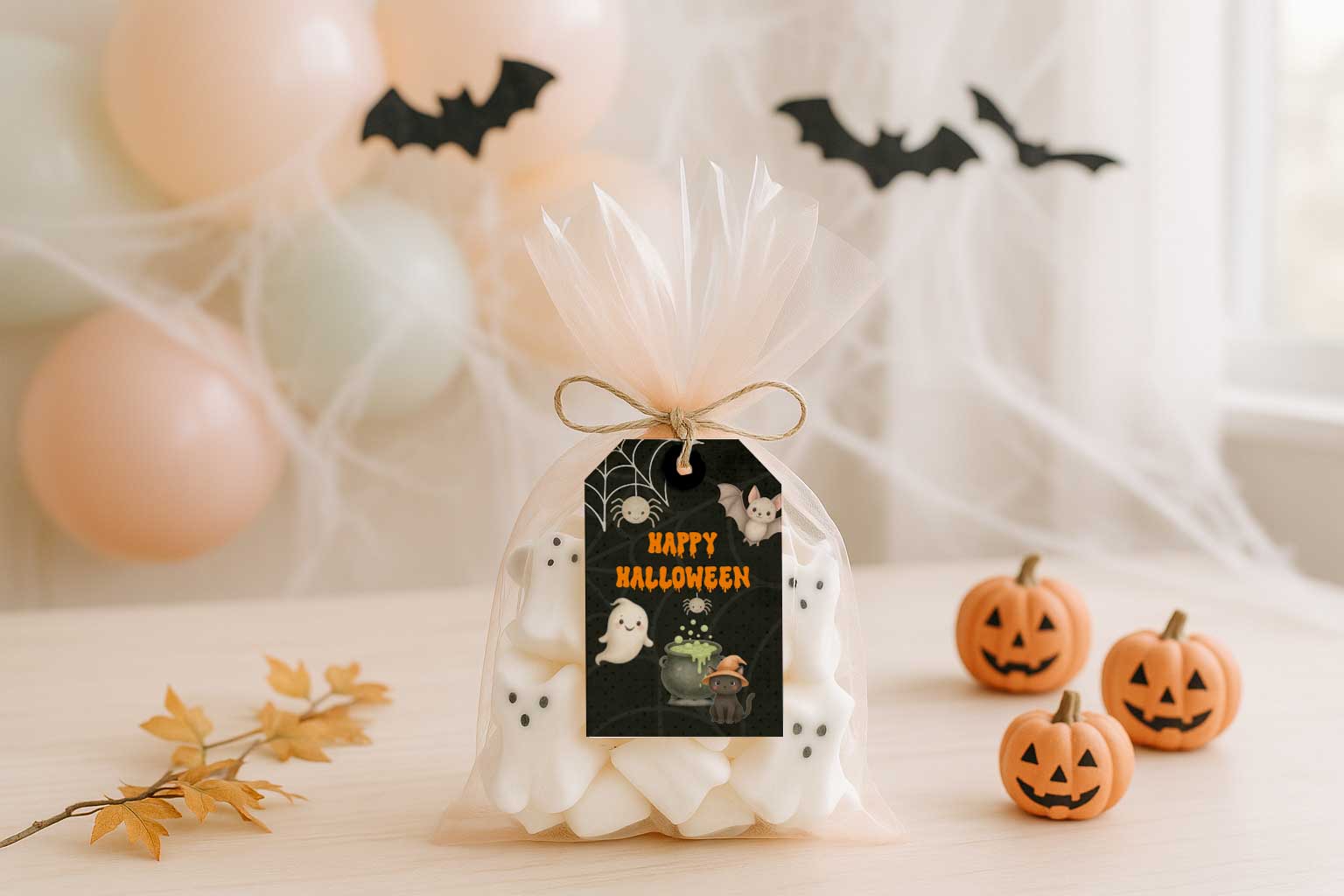
No matter if you want to design these cute halloween tags to sell them as a digital product or if you want to decorate your presents you will need to try out your design once created. In our case this means that you print it out, cut it out and put a little twine in so you know if it fits to your presents.
The most important ingredient you need is the Trick or Treat Halloween Graphic Set - of course you do not need to design Halloween Tags, you can also use another one from the Safari Lounge Designer Classes to create the tag.
You can find all graphic sets inside the Safari Lounge Designer Classes, they are included in your membership together with all kind of templates and whatever you need for the project.
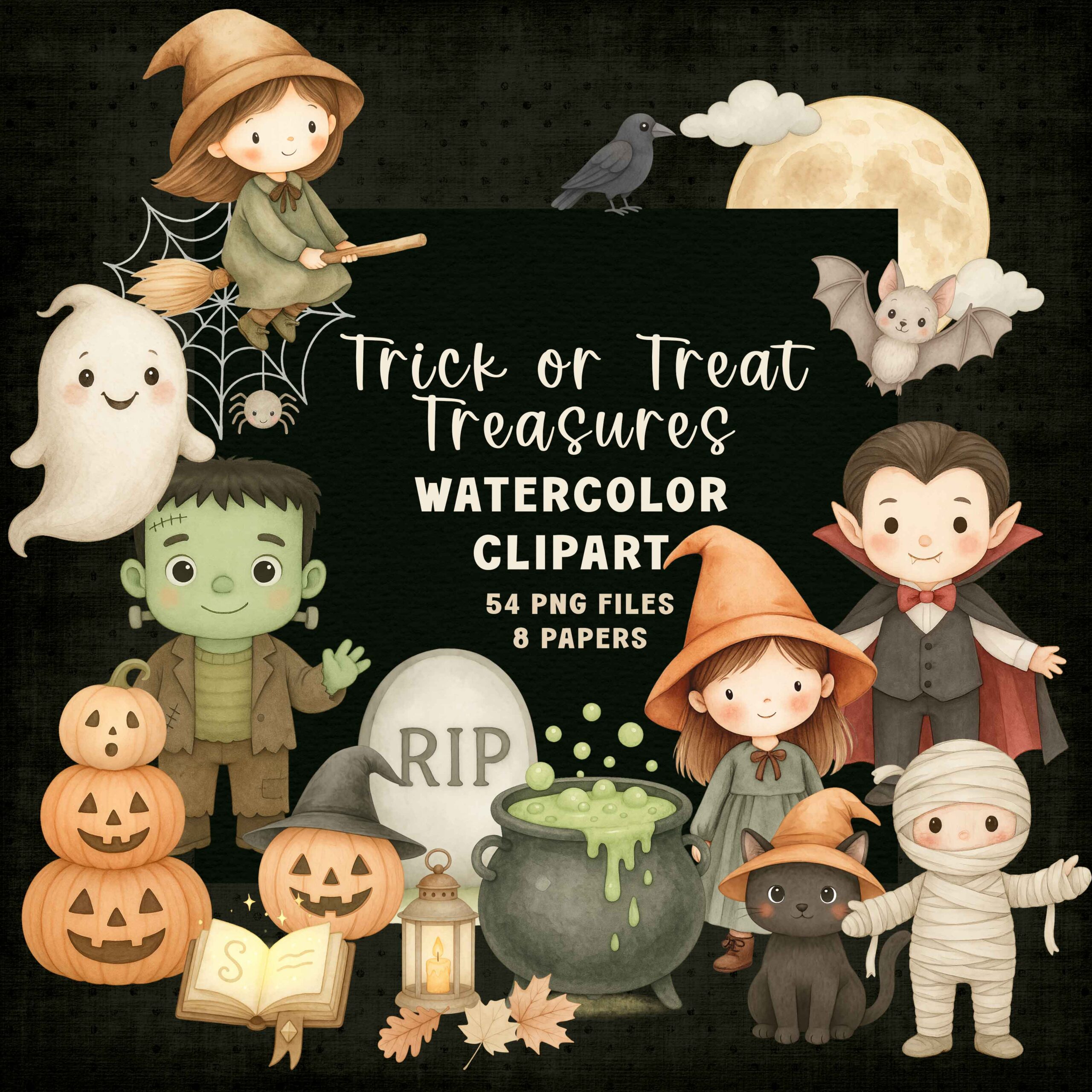
Of course you cannot just create some tags from this huge set! There is much more and the best thing: You get a commercial use license so you can sell whatever you create.
Here are the tools and materials you need to try out your printable projects (not just this one but any).
Materials
- Printable cardstock* (around 300 gsm works beautifully)
- String, ribbon, or twine*
- A small hole punch*
- Optional: double-sided tape or glue if attaching the tag to paper packaging
Tools
- Printer* (I'm linking mine as I truly love it!)
- Scissors or a paper trimmer*
- The free version of Affinity Studio
- Clipart or graphic elements "Trick or Treat Treasures"
Printing & Crafting the Tag
Once designed, it’s time to bring the digital piece into the real world!
Print your tag on sturdy cardstock.
Cut along the tag outline.
Punch a hole at the top.
Thread ribbon or twine through.
Attach it to your gift bag, treat box, or jar.
This tiny handmade detail transforms even a simple chocolate bar into a charming seasonal gift.
Creative Variations to Try Next
Once you finish this project (and you will!), here are ideas to expand your growing design library:
- A set of 6 matching Halloween tags
- A more subtle Sprint/Summer/Autumn or Winter version
- A cute Kids’ Party version with softer colors
- A teacher gift version for classroom treats
- A printable sheet with multiple tag designs
- A full Halloween Party Printable Kit
Small designs often become the foundation for entire collections — and collections are powerful if you want to build your own printable business.
What This Project Teaches You (Beyond Halloween)
This little tag is more than a seasonal craft — it’s a gentle introduction to core design concepts you will use again and again:
layout
hierarchy
color matching
typography
exporting for print
building cohesive collections
Every printable begins with these basic skills. By practicing them on a small project like this, you build confidence to tackle bigger designs such as wall art, party sets, or full printable bundles.
Keep Creating!
Whether you’re designing just for fun or building your own digital shop, this Halloween tag is a beautiful, simple way to keep your creative energy flowing. And once you understand the workflow, you can repurpose the entire process for any season or occasion.
If you enjoyed this tutorial, make sure to explore the Safari Lounge Designer Classes for templates, clipart, and classes that support your creative journey.
You’re building real skills — one tiny project at a time.
And that’s exactly how every successful designer starts.
Happy creating!
Want more free Projects right into your Inbox?
Sign up for the newsletter and I let you know when there is something new!
Safari Lounge Designer Classes
Let's create beautiful Printable together -
one workshop at a time!
No overwhelm, no expensive software, no design skills needed but guidance and fun!